What's the European Accessibility Act got to do with my design system?
What's the European Accessibility Act got to do with my design system? 관련

Confused about the European Accessibility Act (EAA)? Not sure whether it applies to your design system or if you've missed an important deadline?
Here's everything you need to know: what the EAA actually is, who needs to care, and what to do if you're late to the party.
What's the European Accessibility Act (EEA)
(And why is everyone suddenly talking about it?)
The EAA is a Directive of the European Union that took effect on 28 June 2025. The goal is to harmonise accessibility requirements across the EU, making it easier for businesses to operate across borders while reducing costs. More importantly, it helps ensure that products and services are more accessible to people with disabilities and older people.
EU member states create their own laws to support the Directive. Think of it as the EU saying, "Hey, everyone needs to improve accessibility", and then each country figuring out its own way to make it happen. The Directive sets out what national laws must include, so although implementation happens locally, the accessibility bar is broadly consistent across the EU.
The EAA covers a wide range of hardware, software, and devices. This article focuses on how the act relates to design systems for digital products like websites, apps, and software.
Does the EAA apply to our design system?
Answer three quick questions:
- Does your organization have 10 or more employees, OR have an annual turnover of over €2 million? If you're running a design system, chances are you're not a small operation, so this probably applies to you.
- Does your organization offer products and services to EU customers? This includes selling into the EU from outside the EU. It doesn't matter if you're based in Silicon Valley or Sydney – if you're serving European customers, you're in scope.
- Does your design system feed an app, website, or software involved in ecommerce, banking, financial services, communications, transportation, ebooks, or self-service terminals? If you’re unsure whether you fall under these categories, there’s a detailed list here in Article 2.
If you answered yes to these three questions, buckle in – your design system plays a part in helping your teams meet accessibility expectations to comply with the EAA.
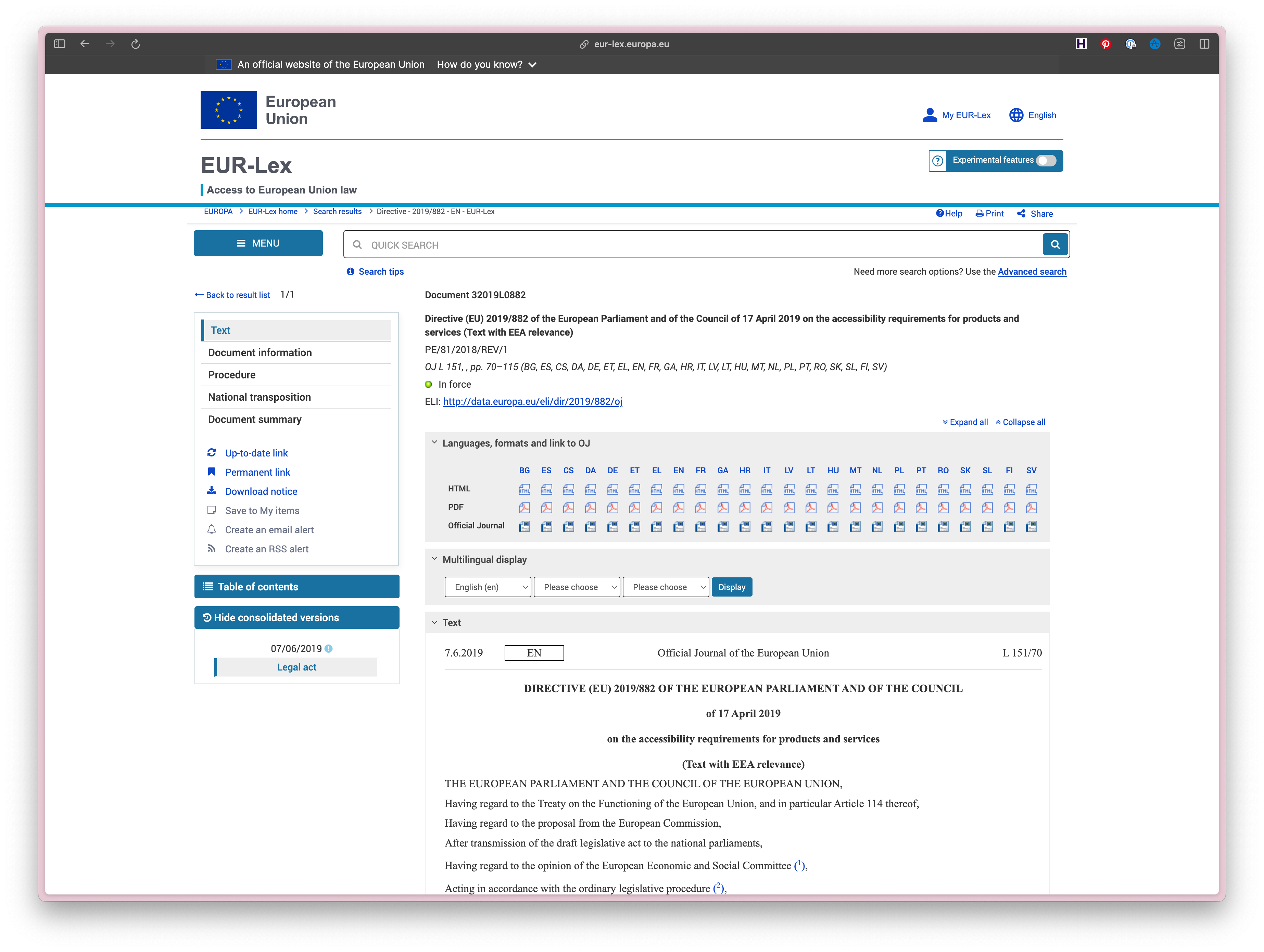
So, how does our design system comply?
Meeting technical standards
The TLDR is: Your digital products and services must meet the Web Content Accessibility Guidelines (WCAG) 2.1 AA standard.
This is oversimplifying requirements, so let's dig into the details. The EAA doesn't provide a technical checklist. Instead, it describes the functional outcomes, or what users must be able to do, rather than prescribing specific coding and design rules. The EAA points to a European standard called EN 301 549, which covers a wide scope of products and services from hardware like computers and smartphones to ATMs and ticketing machines. The EN 301 549 uses WCAG 2.1 AA as the measure for web accessibility.
So if your products meet the WCAG 2.1 AA standard, you check the majority of compliance boxes and have presumptive compliance with the EAA. The measure will soon be updated to WCAG 2.2, so it's worth incorporating the additional criteria now to ensure future-proofing.
More importantly, being usable by humans
1 in 6 people have a disability. While it's tempting to reduce accessibility to a neat compliance checkbox, what matters is whether disabled people can use your products without hitting blockers. Compliance is the floor, not the ceiling.
It's easy for teams to use your WCAG-compliant design system components to make inaccessible products and services. Even an 'accessible' button component can still be used in an inaccessible way if it's missing proper labels or context.
Beyond just building compliant components, your design system should help teams easily choose the right accessibility choices. That means thinking beyond individual component compliance to how components work together, how they're documented, and how teams are supported to use them accessibly.
Help! We’ve missed the deadline 😱*
It's never too late to start thinking about accessibility and implementing good practices. Don't panic! Instead, use this as the nudge your organization needs to get a plan together. Let's get to work.
Strengthen your foundations
- Check whether your design foundations support accessible outcomes. Do the color combinations in your components meet the WCAG contrast ratios? Is your type scale legible across different screens and devices? And do interactive elements have adequate spacing and hit areas?
Teams are busy and will usually adhere to the defaults the design system provides, so make sure those defaults are solid. Tools like zeroheight can help keep your foundational design tokens synced across Figma and GitHub, with everything documented in one place. - Audit your core components against the WCAG 2.1 AA standard. If you have the time and skills in your team, you could tackle an audit yourself. If you have budget and are time-pressed, an external consultancy can be a huge help. An audit can seem overwhelming, but you don't have to fix everything at once. Identify your products' core user journey and focus on the components that power that experience first.
- When you have a backlog of issues, make a realistic plan to fix the fails. Resist the urge to fix everything at once – that's a recipe for burnout. Even if your team can only address one accessibility issue per sprint, you'll be amazed how quickly progress adds up. Small, consistent improvements beat overwhelming overhauls every time.
- Build good habits to ensure new components aren’t released with accessibility issues. Add unit tests and accessibility checks to your pipelines and accessibility acceptance criteria to your ticket templates. Check out Atomica11y for component-specific accessibility acceptance criteria and tests. If accessibility is part of the design system's definition of done, you'll see fewer issues in production.
Support your teams
- Provide training and docs to support teams using your system. Designers and engineers need to understand not just how to use components but also how to use them accessibly. Good documentation pays off here.
- Log consumer feedback and the remediation work you've undertaken to address accessibility issues. Like all regulatory obligations, keeping good records will show you're making a genuine effort if regulators come calling.
Get organizational buy-in
- Push for an accessibility statement if your company hasn't already published one. In some EU countries, an accessibility statement is a requirement of EAA compliance. Regardless of regulatory obligations, providing a way for customers to feed back is a smart move. If you struggle to gain buy-in, consider adding an accessibility statement to your design system site. Get this approved by legal as a template that other products can adapt. Make it easy for everyone to do the right thing.
- Make friends with your legal and compliance team. They're your allies in this, and their expertise could come in handy.
What can happen if my org doesn't comply?
Anyone can bring a complaint against your organization for failing to support accessibility: your consumers, your competitors, public or private bodies with a legitimate interest.
Enforcement and complaint handling happen at the national level by each member state, so each country has its own law and processes for handling complaints through its national courts and authorities.
Penalties vary across countries. Most are financial fines ranging from thousands to millions of euros, depending on how serious the violation is and where you're operating. Some countries don't mess around: Ireland and Cyprus even suggest prison sentences for company directors and managers who severely violate accessibility requirements.
The important thing to remember is that the purpose of the EAA is to make products and services accessible to everyone, not to penalize people. Regulators are more interested in seeing genuine effort and progress than punishing organizations working in good faith to improve.
Acknowledging customer complaints and working transparently to resolve problems within an acceptable timeframe should result in a more satisfactory outcome than imposing a fine. The key is showing genuine progress, not perfection, from day one.
Could my design system be exempt?
TLDR: It's unlikely.
Exemptions apply to:
- Legacy products. There is an exemption for products that are not updated after 28 June 2025. Any change to code is considered an 'update', and if your design system is being actively maintained, this exemption wouldn't apply.
- Disproportionate burden. There's a 'disproportionate burden' clause for situations where making something accessible would place an unfair or excessive cost on the organization. It's unlikely that a company with the resources to support a design system would qualify here. This exemption is intended for very small organizations or exceptional circumstances.
- Specific media.Some exemptions for things your design system might support include pre-recorded media and office file formats published before 28 June 2025, online maps where accessible alternatives are provided, and third-party content you have no control over. These are pretty specific and don't apply to most design system components, but it's worth checking out the list.
The reality is that if you're actively maintaining a design system for a company larger than a micro-enterprise that sells or provides covered products and services to customers within EU member states, you're almost certainly in scope for the EAA.
Wrap up
If your design system isn't EAA-ready yet, don't panic. Use this as an opportunity to take stock, address any long-standing issues, and make the system usable for a wider audience.
It's easy to think of the EAA as a legal matter, but it's really a people thing. It may feel like regulatory or technical overhead, but at its heart, the message is simple: More people should be able to use the things we design and build. And hey, the more people can use your products and services, the more potential customers you have.
Design systems are excellent vehicles for embedding good accessibility practices. Fix once, propagate at scale. Document well, reduce risk. When you make your design system accessible and support your consumers, you're not just ticking a compliance box – you're giving your product teams the building blocks they need to create stuff that works for everyone. That's not just good compliance – it's good business.
Resources


Note
A huge thank you goes to* Dave Musso and Hidde de Vries for reading this article and lending their accessibility expertise.
The information contained in this post is provided for informational purposes only, and should not be construed as legal advice on any matter.