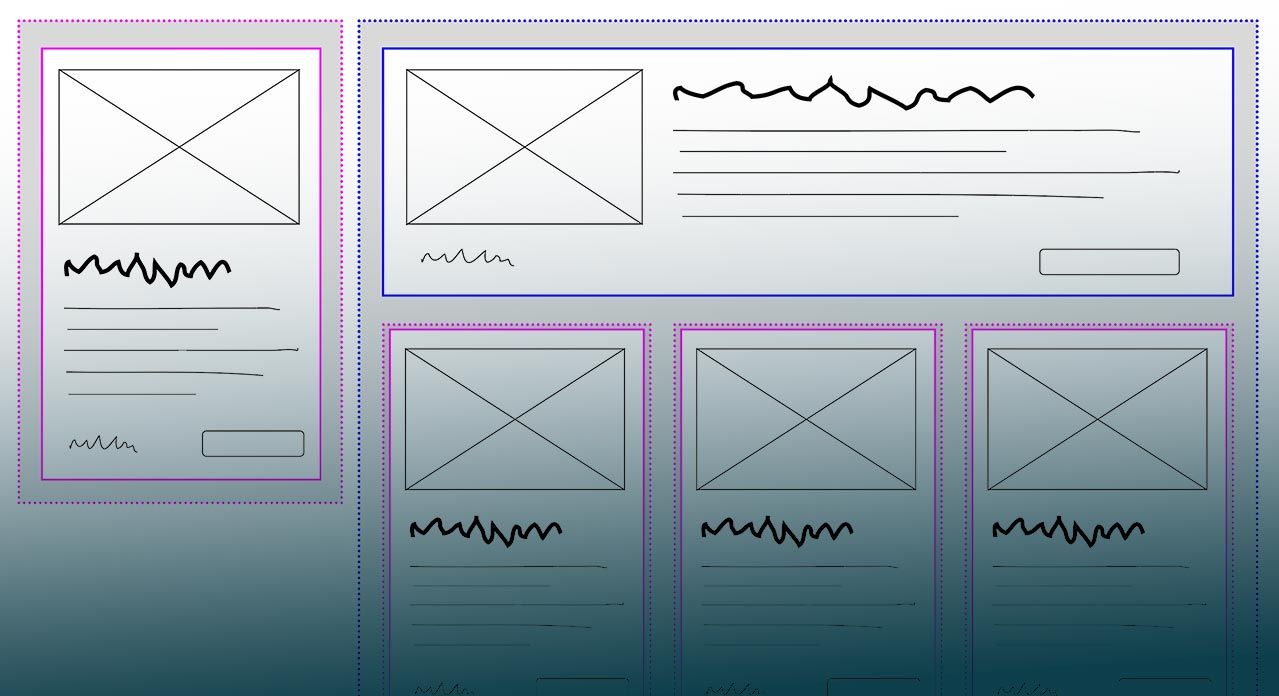
Use the Right Container Query Syntax
Use the Right Container Query Syntax 관련

Since we got a first look at a Container Queries prototype back in April 2021, the syntax has changed a few times. But now the spec is stable, browsers are getting ready to ship, and it’s time to make sure you’re using the same syntax they are!
Update September 12, 2022
- Safari 16 shipped on September 12, with support for size Container Queries and units (and much more).
Update September 9, 2022
- Older versions of Safari Technology Preview and Chrome both had a bug requiring parentheses around queries with logical operators (
not,and,or). Upgrade to Chrome 105 or Safari 16 to get the proper behavior.
Update September 1, 2022
- Chrome 105 shipped on August 30, with support for size Container Queries and units.
Container Queries allow us to measure (or ‘query’) aspects of a ‘container’ element, and style any descendants based on the result of the query. This is very similar to Media Queries, which allow us to query the overall browser viewport.
If you haven’t encountered Container Queries before, there are many resources available on the web. David Herron wrote a great Quick Start Guide back in April 2021, when Chrome Canary shipped the first prototype of the feature.
Since then the syntax has gone through several revisions. That’s why we prototype – it allows us to learn and make changes, before developers are relying on the feature in production. The downside is, many people (including me!) have written articles, made demos, given talks, and released videos using now-out-of-date syntax.
Now Safari and Chrome have both signaled that they are ready to ship Container size queries and units, likely starting in late August 2022. So, what syntax is actually shipping in browsers?
TL;DR, a code sample
main, .sidebar {
  /* establish containers for inline-size queries */
  container-type: inline-size;
}

main {
  /* optionally give a container one or more names */
  /* - use any names you want, there are no pre-defined options */
  container-name: main-content page-layout;
}

article {
  /* a shorthand to set both names and types */
  /* - names are required and come first in the shorthand */
  container: article-layout / inline-size;
}

/* query the nearest ancestor container named page-layout */
/* - using a container-name is optional in the query */
/* - we can also use the old `(min-width: 40em)` syntax */
@container page-layout (inline-size > 40em) {
  .card {
    grid-template-columns: auto 1fr;
  }
}

h2 {
  /* container-query-inline units */
  font-size: max(1.2em, 1em + 2cqi);
}
If you are looking at an old demo, talk, or article, and wondering why it doesn’t work, there are two major changes that you should check first:
Let’s dig into the details…
Establishing containers with container-type
In order to query elements in the page, we need to define them as query containers. We can do that with the container-type property, which defines the questions we’re able to ask about a given container.
The initial value is normal. By default, all elements are style containers – meaning we should be able to query the computed value of any property on any element. But don’t worry about that yet, browsers are shipping size queries and units first.[1] For now, you can use the normal value to override other values – similar to using the initial keyword.
Size containers need to be defined explicitly, because they require special size containment in order to function. Normally, the size of an element would be based on the size of its contents – but if we query that size, and change the contents based on the query, we have an infinite loop. Size containment breaks that loop by ensuring the size of a container is not based on the size of its contents.
Here we have two options:
inline-sizeestablishes size containment on the inline axis (the direction that text flows), and allows us to query the inline size of the container. This is almost always what you want.sizeestablishes size containment on both dimensions of the container, and allows us to query either the inline or block size. Be careful with this – elements might collapse entirely if they can’t get either a width or height value from their contents.
There is no block-size option. I won’t go into all the reasons here, but it wasn’t possible for browsers to implement, and there are fewer use-cases for it anyway.
Over time, Media Queries have expanded to cover much more than viewport sizing – we can query user preferences, display quality, color-depth, interaction capabilities, and more. We expect a similar expansion with Container Queries. Size queries will ship this summer, but style queries are already well-defined, and ready for browsers to implement. We’re also looking into a range of possible state queries – for example, selecting elements inside a position: sticky container based on the stuck or unstuck ‘state’ of that container.
Naming containers with container-name
By default, a container query will look for the nearest ancestor container of the appropriate type. So if we ask about the inline-size of a container, we’ll get the inline dimensions of the nearest ancestor with a size-based container-type. That’s a handy default, but it’s more resilient if we can name our containers, and know that we’re measuring the right thing.
We can do that with the container-name property. It allows us to give a container any number of custom names that we want. Those names can be any valid CSS ‘custom-ident’ that we come up with (similar to naming keyframe animations, grid-areas, layers, etc), and they are not required to be unique. There are only a few reserved words – like none or not or initial – that we can’t use as names.
Think of container-names more like a ‘class’ than an ‘ID’. We can make them as broad or specific as we need. I think it’s useful to establish some broad categories like layout or component – and then occasionally add more detailed/specific identifiers as needed (like main in the code sample above).
The container shorthand
There’s also a container shorthand that allows us to define both the container types and names in a single property. This should only be used to set both the name AND type of a property:
main, .sidebar {
  /* <name> comes before the slash, <type> comes after */
  container: page-layout / inline-size;
}
Note
Names go first, before the slash. This is one of the big changes that will break a lot of demos. In an earlier draft of the feature, the order was reversed. If you see an old container query article or talk or demo that no longer works, this is probably why.
Container Query units
Did you know that Container Queries also come with their own units? These work the same as viewport units (vw, vh, vmin, etc) – but if they end up inside a size container, they’ll use the container dimensions instead of the viewport dimensions. If they aren’t inside a container, they’ll use the ‘small viewport’ dimensions.
1cqw-1%of a query container’s width1cqh-1%of a query container’s height1cqi-1%of a query container’s inline size1cqb-1%of a query container’s block size1cqmin- The smaller value ofcqiorcqb1cqmax- The larger value ofcqiorcqb
Note
This also changed after some of the early demos came out. The original prototype used q* instead of cq* as the unit prefix.
Scott Kellum has a great demo on Codepen:
Querying containers with @container
Now that we have some (size) containers defined, we can query various aspects of their dimensions:[2]
@container (inline-size > 40em) {
  h2 { font-size: 1.5em; }
}

@container page-layout (min-width: 35em) {
  .card {
    grid-template-columns: auto 1fr;
  }
}
There are a few things to note here:
- The optional ‘range syntax’ – e.g.
(inline-size > 40em)– is a separate feature, which is allowed in media queries as well as container queries. However, at this point, Safari only supports it in container queries. - Each
h2and.cardelement on the page will query its own container. Anh2will query the nearest ancestor size container, but a.cardwill only query ancestors that also have the correctpage-layoutname. em-based media queries use the ‘browser em’ (usually16px), but container-queries actually resolve units based on the font-size of the container.
Browser support
Chrome 105 & Safari 16 both support size queries and units. Firefox is actively working on support, but hasn’t yet announced when it will be ready. Here’s the current support for each feature:

Chrome has started to implement a prototype of style queries (for custom properties only) in Chrome Canary, using the
--enable-blink-test-featuresruntime (command line) flag. Keep an eye out for more details soon! ↩︎Check out the spec for a full list of size container features that can be queried – like
aspect-ratioandorientation. ↩︎