How to style a broken image
5/22/25About 2 minCSSArticle(s)blogcss-tip.comcss
How to style a broken image 관련

CSS > Article(s)
Article(s)
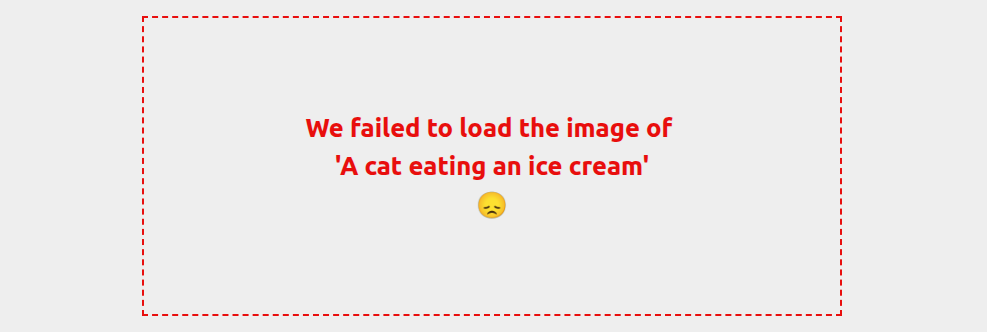
When an image fails to load the browser will simply show you the alt text but you can change this using a cool CSS trick. Broken images accept pseudo-elements such as ::before and ::after so we can tweak them to add a custom error message or any visual you want.
img {
  position: relative;
}
img::after {
  content: "We failed to load the image of \A'" attr(alt) "'\A 😞"/"";
  position: absolute;
  inset: 0;
  display: grid;
  place-items: center;
  text-align: center;
  border: 2px dashed;
  font: bold 1.6em/1.5 system-ui;
  white-space: pre-wrap;
}
The above style will not apply to correctly loaded images so no need for any specific selector to exclude them
See Style broken images by t_afif on CodePen.
More CSS Tips

The future of hexagon shapes
A new way to easily create hexagon shapes using corner-shape
Safe align your content
Learn about the keyword ”safe” and how to use it
SVG to CSS Shape Converter
The easiest way to convert an SVG shape into a CSS one
Blob shape with hover effect
Add a blob shape to your image with a cool bouncy hover effect
How to style a broken image
Give a nice visual touch to images that fail to load